
 by
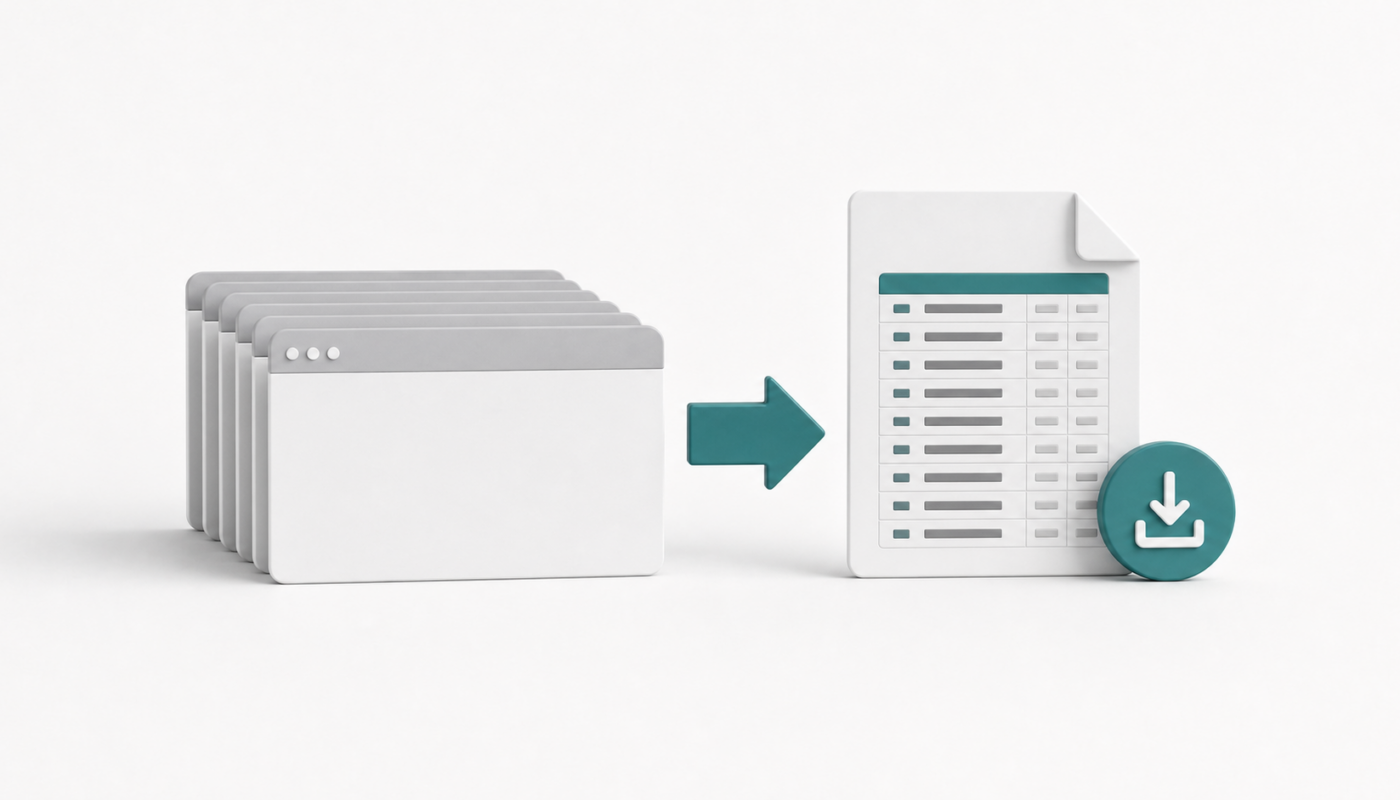
by When researching a topic, I often end up with dozens of open browser tabs. The problem starts later: those tabs contain useful references, but copying URLs one by one is slow and error-prone.
When bulk tab export is useful
- Research source collection before writing a blog post.
- Saving product, vendor, or documentation links before closing a browser session.
- Creating a review list from open tabs.
- Moving links into Excel, OneNote, SiYuan, Todoist, or a Markdown note.
Practical toolchain
- Microsoft Edge Collections when you want a built-in way to group research.
- Browser extensions when you need quick copy-all-tab-links behavior.
- PowerShell or small scripts for cleaning pasted URLs into Markdown, CSV, or Excel format.
- AI tools for grouping the URLs after export, not for blindly opening or scraping every page.
Suggested workflow
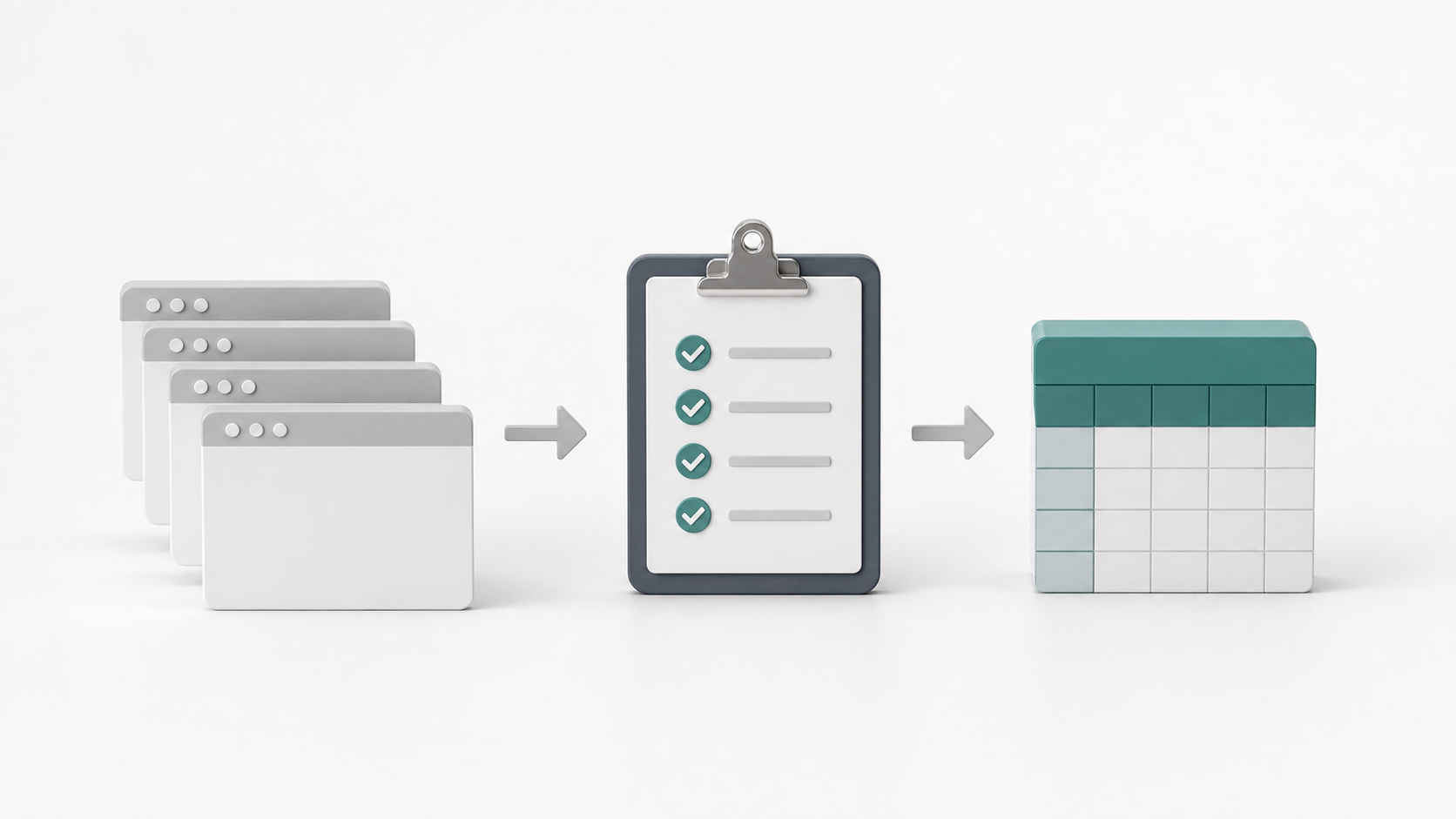
- Move unrelated tabs to another window first.
- Export only the current research window.
- Paste the URLs into a plain text file before formatting.
- Remove duplicates and obvious tracking parameters.
- Group links by topic before saving them into your note system.
Prompt to organize exported links
Group these exported browser URLs by topic.
Remove duplicates.
Do not visit the URLs.
Return a Markdown list with title guesses only from the URL slug, and mark uncertain titles as REVIEW.
Why review matters
Bulk export is convenient, but it can also preserve noisy, duplicate, or private links. Before sharing the list, quickly scan for session IDs, internal URLs, tokens, or personal information.
Related reading
- How to convert simple text URLs into proper URLs using AI
- Boost Windows productivity with Flow Launcher
- SiYuan as a self-hosted knowledge base